
以下の記事の実行は自己責任でお願いします。
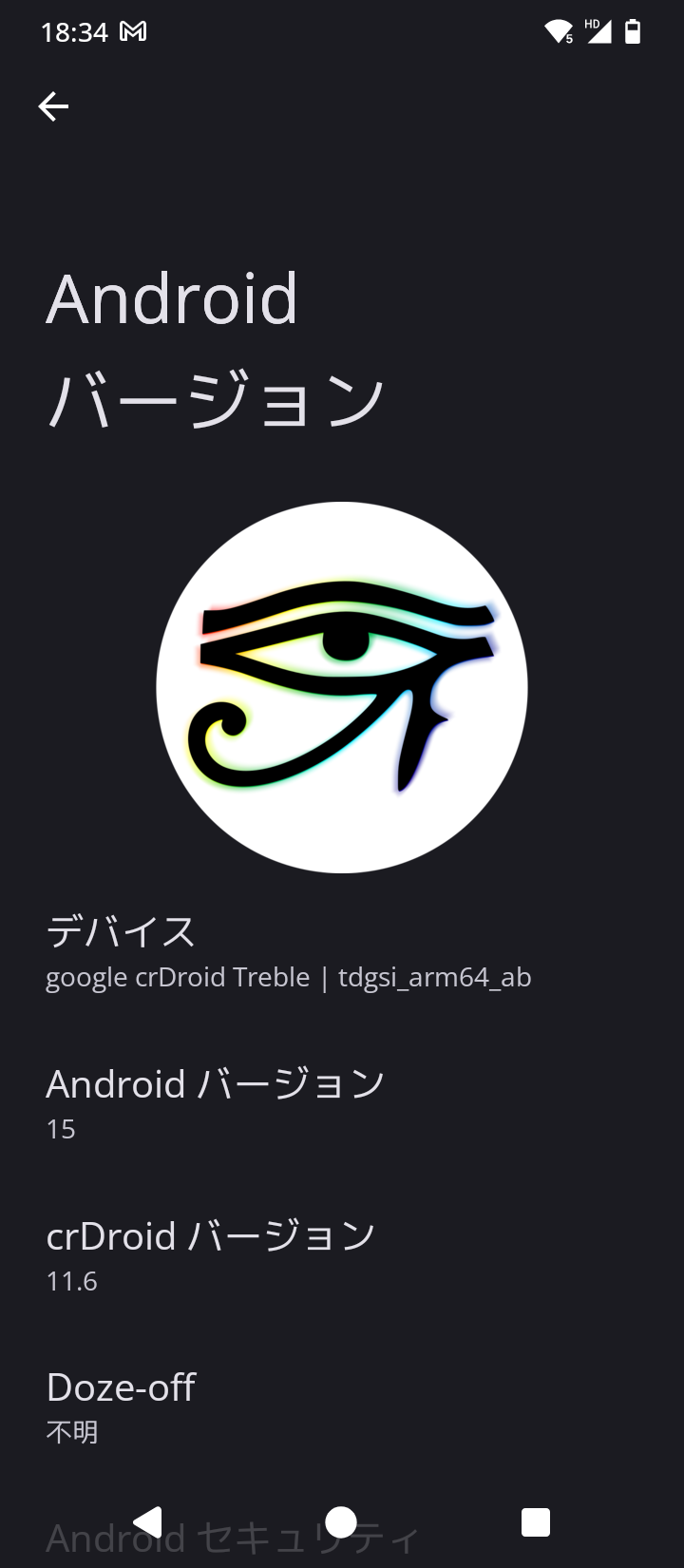
Umidigi A15T の Android 13 のノーマル ROM 環境に飽きたらなくなったので、カスタム ROM 導入しました。今回は crDroid にしています。純正の Android 13 から Android 15 まで上げています。Android 16 は Kernel 5.4 以上が推奨となり、現行 Umidigi A15T の 4.19 では対応不可なためです。
とりま umidigi A15T の端末 2 万円でこれなら言うことないやろ。
娯楽: Piko X / RVX で広告なしの爆速コンテンツ視聴。
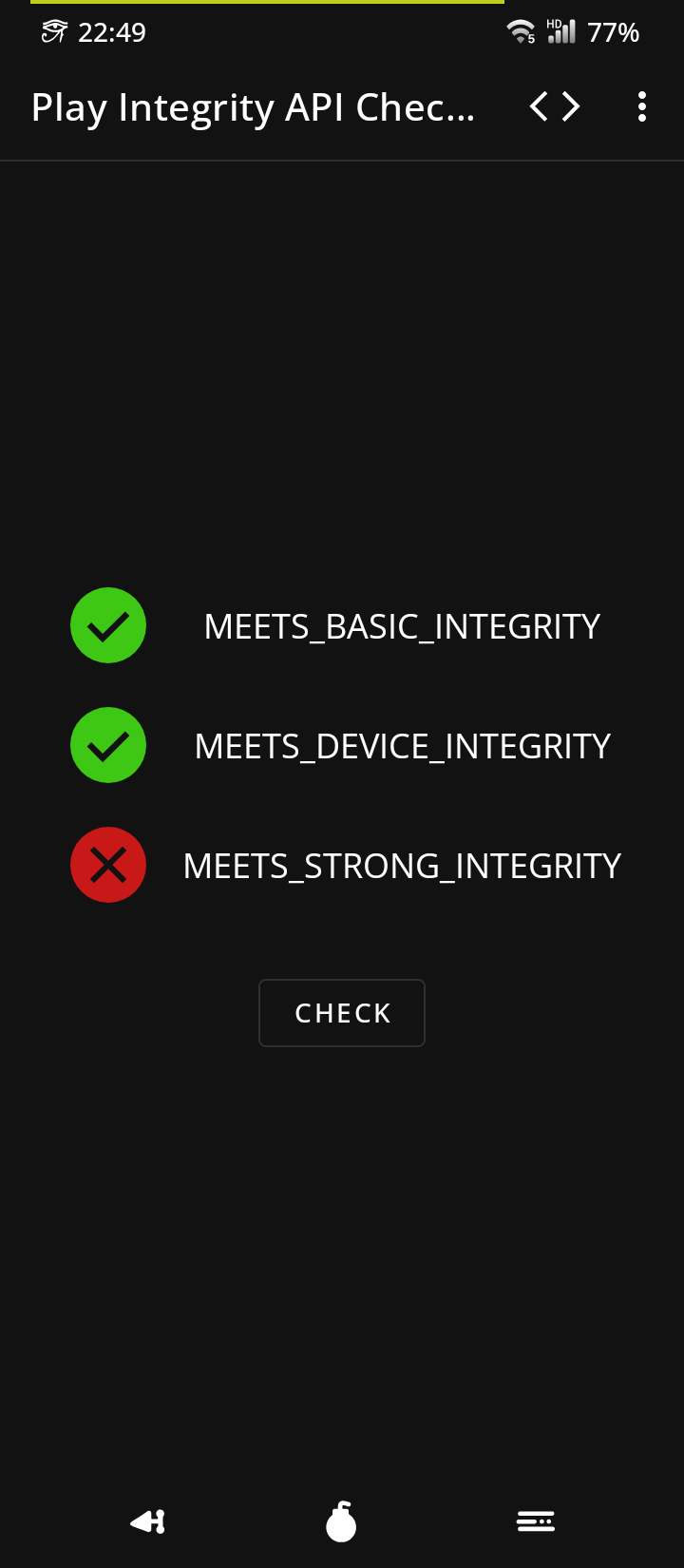
生活: PayPay でキャッシュレス決済対応。 Play Integrity (Strong以外OK)
システム: Android 15 + crDroid の最新・高機能環境。
保守: Swift Backup でいつでもこの状態に復元可能。
呪文のようですが以下の手順です。
ソース(GSI):
crDroid-11.6_treble_arm64_bgN-ab.img.xz
https://github.com/Doze-off/crdroid_gsi_treble/releases
実際焼く場合
Windows 用 google bootloader usb driver
https://developer.android.com/studio/run/win-usb?hl=ja
> adb reboot bootloader
> fastboot devices
> fastboot reboot fastboot
> fastboot devices
> fastboot erase system
> fastboot flash system crDroid-11.6_treble_arm64_bgN-ab.img
万が一容量が足りない場合
FAILED (remote: ‘Not enough space to resize partition’) <= このエラーが出た場合
> fastboot delete-logical-partition product
> fastboot create-logical-partition product 0
https://xdaforums.com/t/tutorial-magisk-on-gsi-on-devices-with-dynamic-partition.4311045/
> fastboot flash product product_gsi.img
> fastboot -w
> fastboot reboot
起動しなかったので、画面の指示通り /data の削除
正常起動
* LTE の設定 *
設定 > システム > Phh Treble Settings
IMS features
Install IMS APK for MediaTek
equest IMS network とか Force 4G とか ON
グラフィック設定の最適化
設定 > システム > Phh Treble Settings
Misc features
Display
Mediatek GED KPI Support を ON
* 接続のたびに Mac Address が変わるのを固定に変更 *
Wi-Fi: Added per connection MAC address randomization
ネットワークとインターネット > インターネット > 使用するSSID
プライバシー > デバイスの Mac を使用
* 画面の自動回転をオフ *
adb shell settings get secure show_rotation_suggestions
adb shell settings put secure show_rotation_suggestions 0
サイドボタンの再マッピング:
KeyMapper というアプリを入れる (結局廃止)
*** De-Bloater
削除したもの
Digital Wellbeing(デジタルウェルビーイング)
*** 無効にしたもの
カメラ(Open Camera で対応)
レコーダー
ブラウザ
音楽
Android Auto
Android Switch
Android キーボード(AOSP)=> Flick へ移行済み
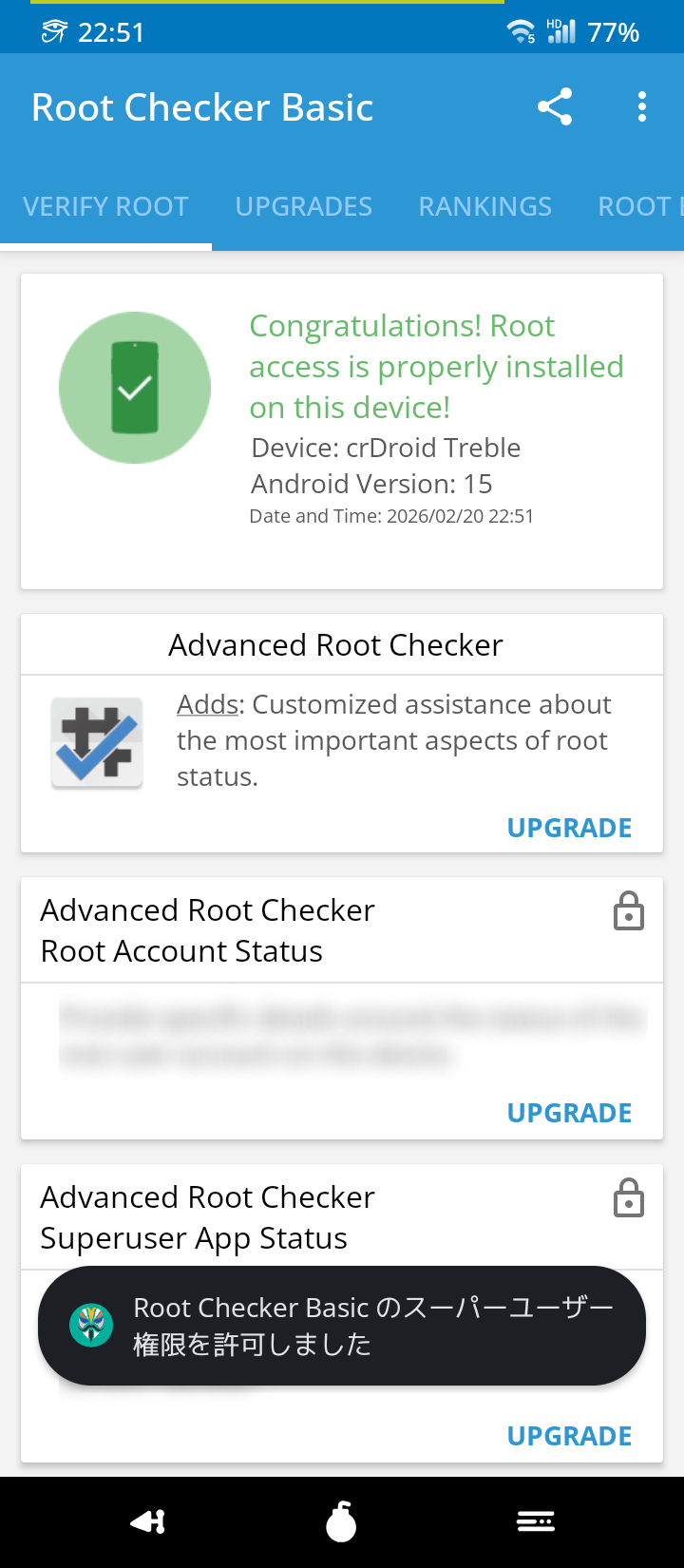
あとは、過去の Magisk 設定を再投入
環境の元戻しは Swift Bakcup でリストアです。
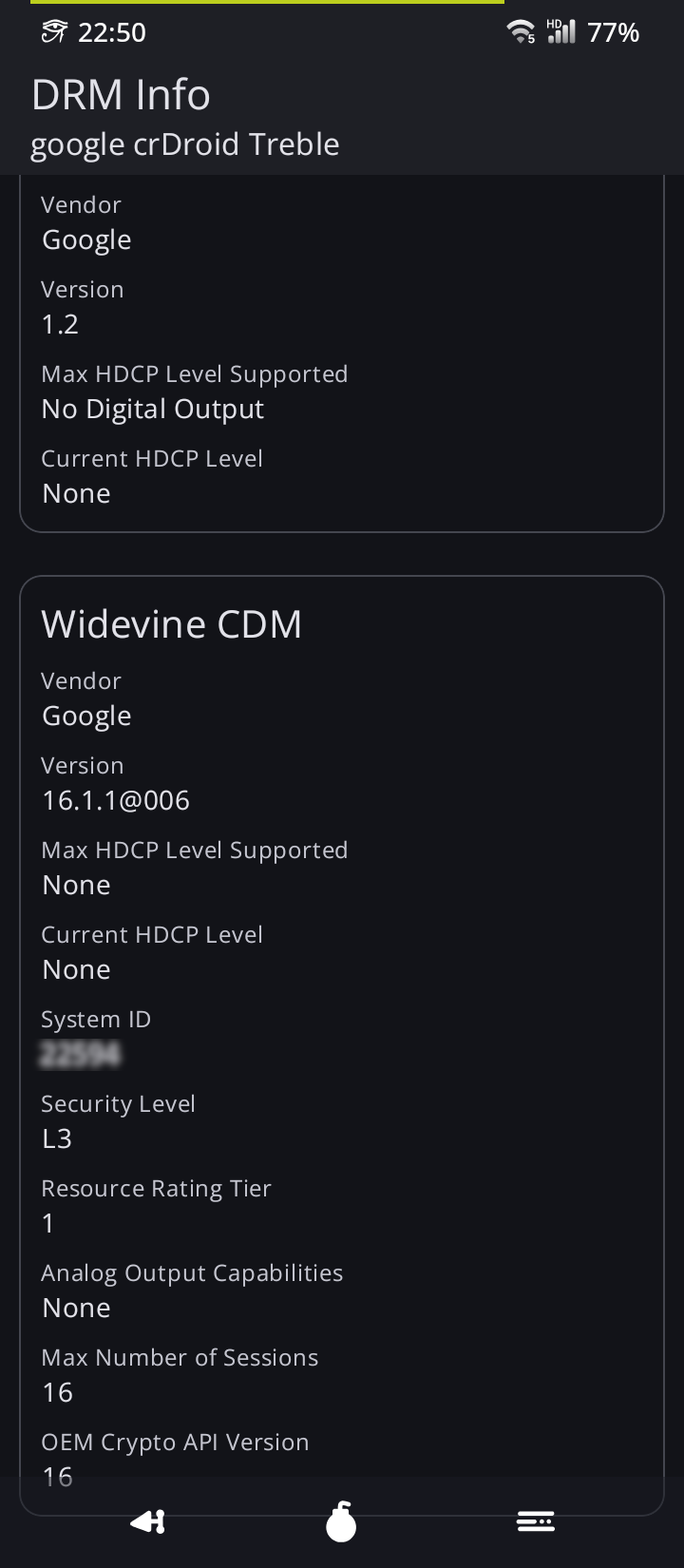
widevine L3 はどうしようもありませんでした(笑)
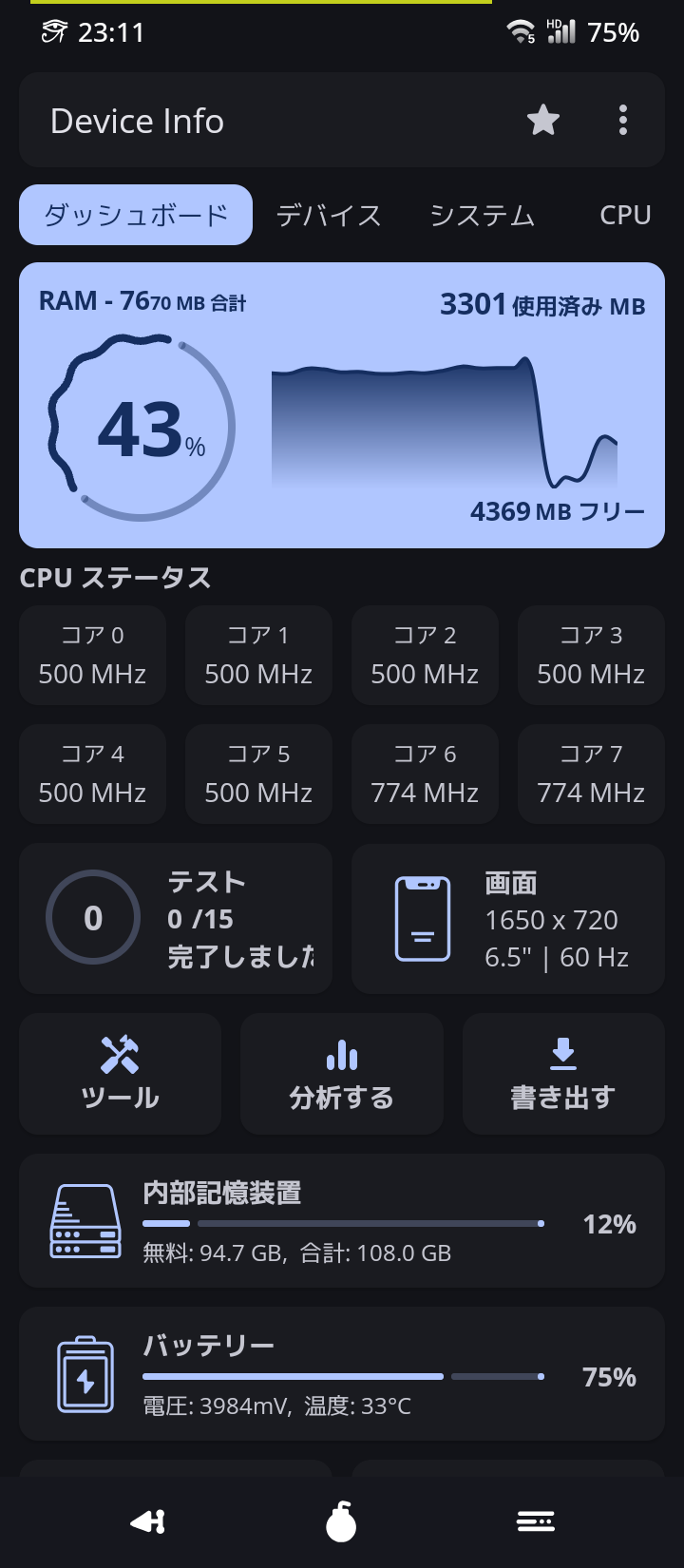
あとは自己満足のスクショ連打祭り!
いじょ。